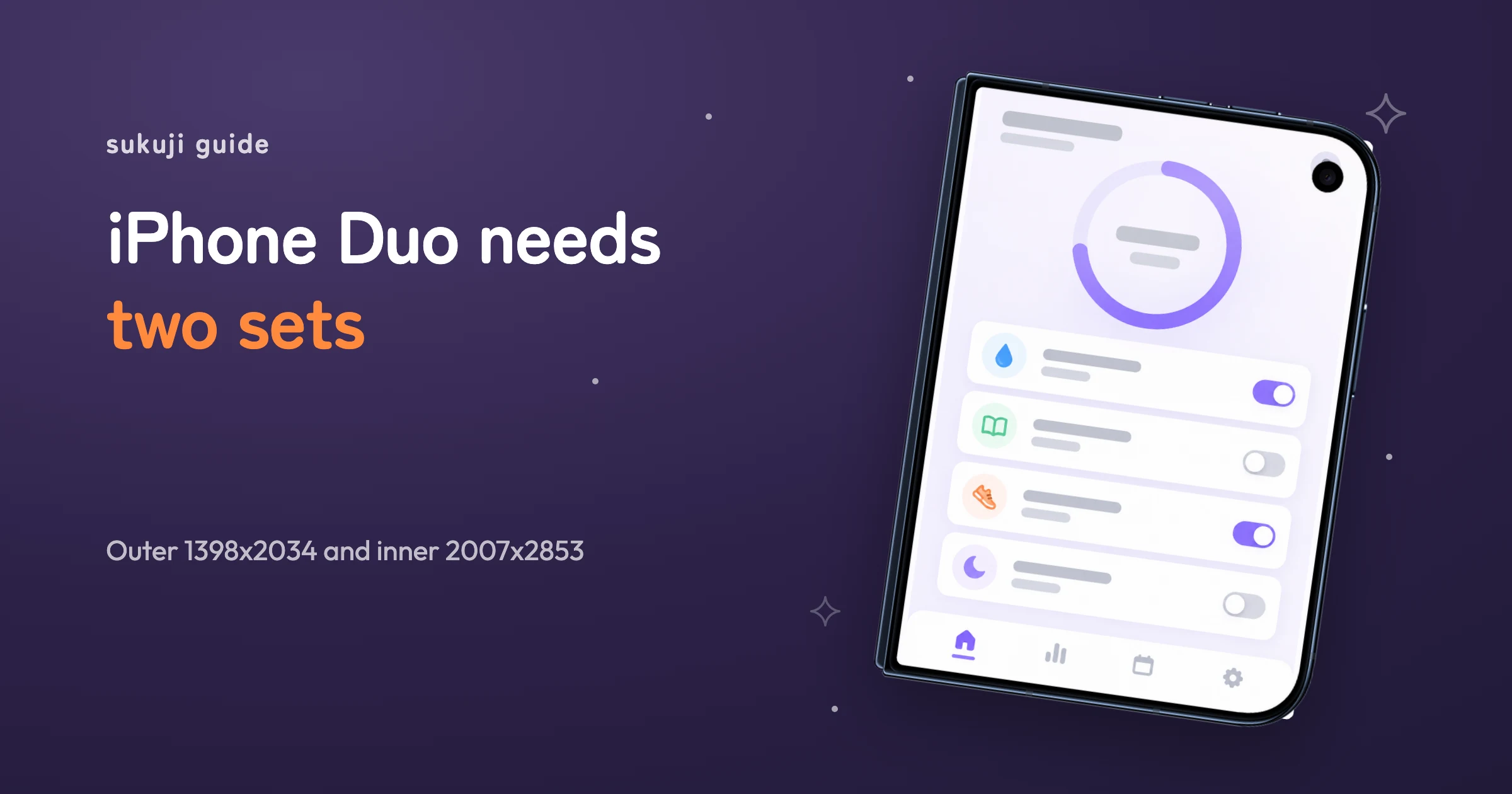

Two screen shapes
Folded, iPhone Duo shows a tall outer screen. Unfolded, it opens into an inner screen that is much closer to square. The App Store takes screenshots for each shape. Ship only one set and people on the other shape get images that don't fit.
Reusing your regular iPhone screenshots doesn't work on either screen. The aspect ratio is off, so you get empty bars on the sides or a cropped top and bottom.
Sizes
| Screen | Size | Ratio |
|---|---|---|
| Outer (folded) | 1398 x 2034 | about 1 : 1.46 |
| Inner (unfolded) | 2007 x 2853 | about 1 : 1.42 |
| For reference: iPhone 6.9-inch | 1290 x 2796 | about 1 : 2.17 |
The outer and inner shapes are close to each other, and both are far wider than an iPhone. Treat them more like an iPad and they come out better. Limits on how many you can upload can change, so check the screen in App Store Connect before you submit.
A wider screen invites longer headlines
With more width, it's tempting to fit the whole headline on one line. Once the image shrinks in search results, long lines become unreadable. Keep lines short and stop at two, the same as on iPhone.
Leave a little more room at the sides than you would on iPhone. Text that runs to the edge collides with the rounded corners and the camera, and the edges look clipped.
Showing your app's screen
The part that breaks most often is the app screen inside the frame. Put a tall screen in the outer set and a wide one in the inner set. Swap them and the screen either gets cropped hard or shrinks oddly inside the device.
Screenshots taken on the device sometimes include a black dot where the camera sits. If the frame image draws the same hole, you end up with two dots. Remove the one in the screenshot before placing it.
When you show the device open, a fully flat device looks far more real than one that is half folded. A faint crease down the middle is all it needs.
What to make first
Start with the inner set, then make the outer one from it. The inner screen shows more, so the five-screen story is easier to plan there. Treat the outer set as a shorter cut of the same headlines.
In sukuji, choosing iPhone Duo as the device makes both sets in one run. Tall screens you upload go to the outer set and wide ones to the inner set.